On a Windows PC
Auto Clicker
for Roblox.
One click a minute keeps you in your Roblox game while you're at school, at dinner or asleep. Press F6 to stop it.
Windows 10 and 11 · Version 6.7.5 · 10 MB · Installs in under a minute



0 clicks
Stopped
Free Every feature. No ads and no trial period.
Signed By TryAutoClicker. Windows checks the file before it opens.
F6 One key starts it and stops it, inside any game.
No account Download it, open it, start clicking.
Why Roblox disconnects you after 20 minutes.
Roblox's developer documentation says it disconnects a player who has been idle for 20 minutes. It doesn't say what counts as idle. Developers on Roblox's forum say the check is for input from your mouse or keyboard, and players report that one click starts the 20 minutes again.
So one click every minute keeps your session going while you're at school, at dinner or asleep.
Without it no input
0 min Disconnected at 20 min
With Auto Clicker 1 click a minute
0 min Still in the game
How to set up Auto Clicker for Roblox.
Six steps. You need Roblox on a Windows PC, with Auto Clicker open beside it.
Open Roblox and join your game
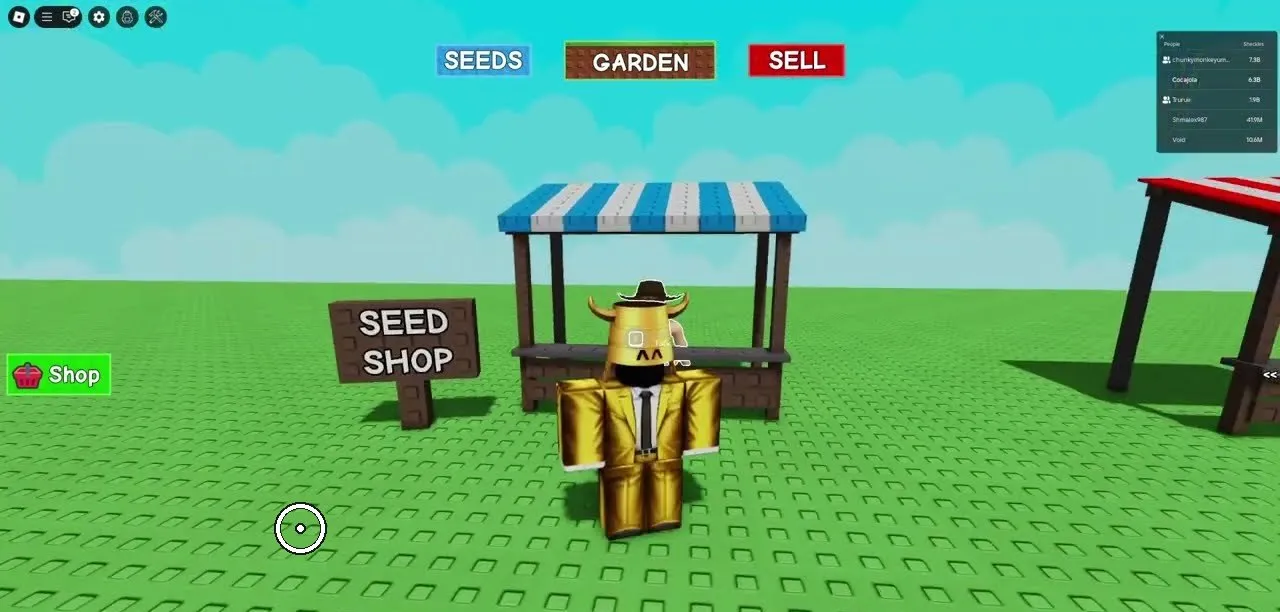
Put your character where it can be left, and start whatever earns by itself. Leave the game showing on the screen.
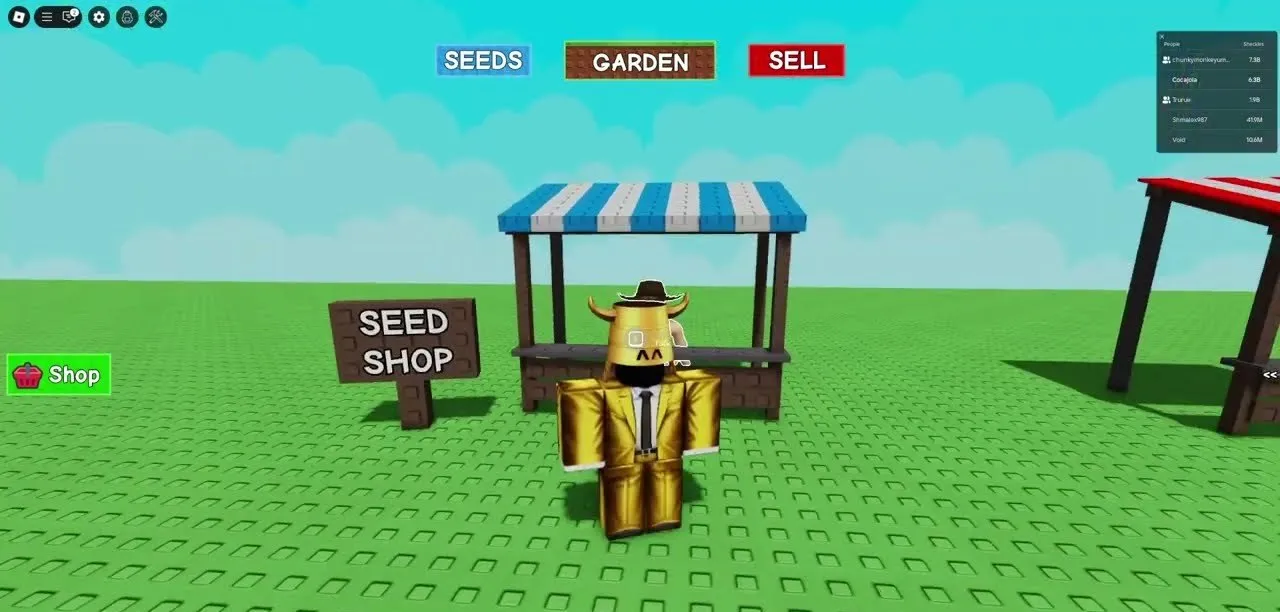
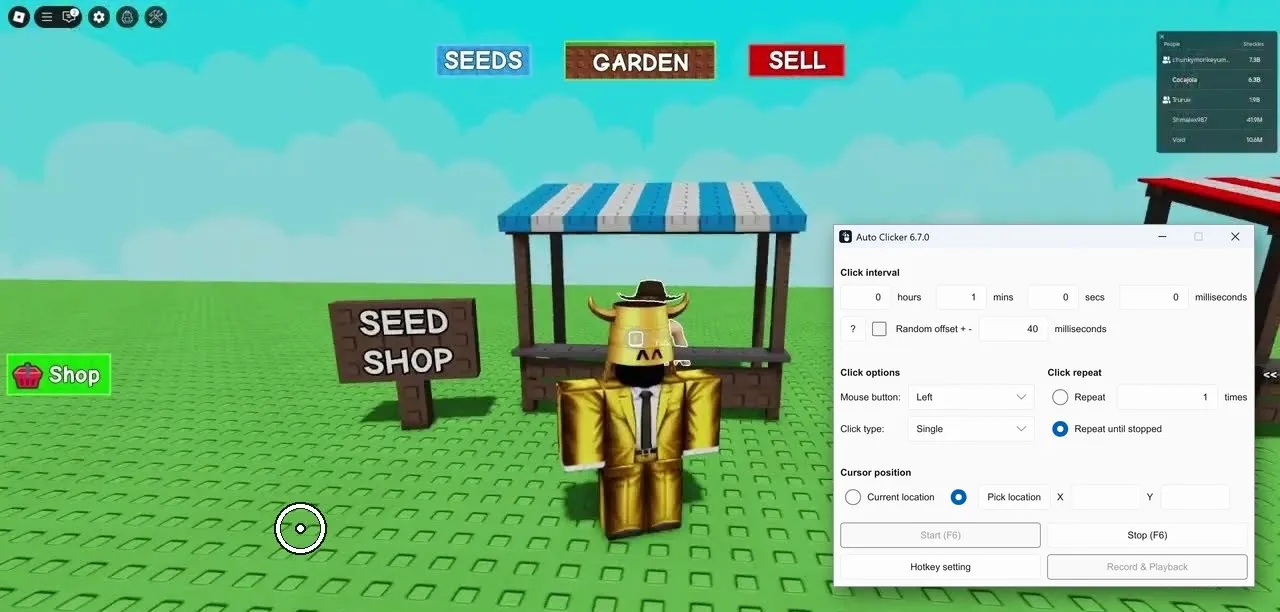
Set the click interval to 1 minute
Under Click interval, enter 1 in mins and 0 in the other boxes.
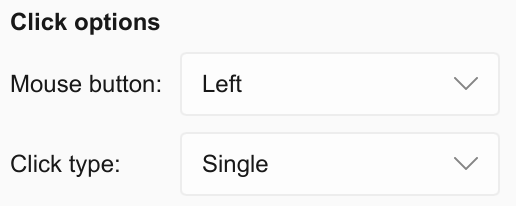
Choose Left and Single
Under Click options, set Mouse button to Left and Click type to Single.
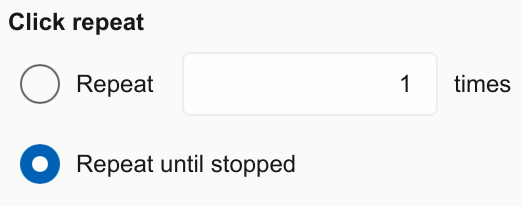
Choose Repeat until stopped
Under Click repeat, so it keeps clicking until you stop it.
Pick a safe spot in the Roblox window
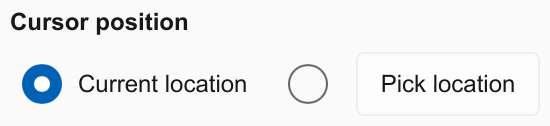
Under Cursor position, press Pick location. The screen dims. Click a spot in the Roblox window where a click does nothing you don't want, away from shop, trade and give buttons.
Press F6
Auto Clicker clicks that spot once a minute until you press F6 again.
Keep Roblox in front. Auto Clicker clicks a spot on the screen. Leave Roblox showing at that spot with no other window on top of it, don't move or resize Roblox after you pick the spot, and keep the Auto Clicker window off it.
Keep the PC awake. Auto Clicker can't click while your PC is locked or asleep. Before you leave, check when Windows turns off the screen and sleeps, in its power settings.
Make it stop by itself. Under Click repeat, choose Repeat and enter a number of clicks. At one click a minute, 480 clicks is eight hours.
Press one button on a timer. The same setup presses a sell or claim button for you. Open its panel so the button stays put, pick the spot on the button and set the interval to suit. Keep it off buy, trade and give buttons, where every click spends or gives something away.
Click it, or press F6
You can always stop it.
F6 stops the clicking from inside any game or program, including full-screen ones.
- If another program has already taken F6, Auto Clicker tells you and won't start until you choose a shortcut that works.
- You can change the shortcut to another function key or to a key combination.
Auto clicker not working on Roblox?
Five problems Roblox players report, and what to do about each.
It clicked all night and I was still disconnected
An auto clicker only deals with Roblox's 20-minute idle disconnect. Players report three other things that end a session: the game's server restarts for an update, the game runs its own away check (Royale High shows a mini-game to answer), or Roblox closes or crashes. No auto clicker prevents these. If your game has its own AFK area, use that.
It kept clicking after Roblox disconnected
Auto Clicker doesn't know your session ended, so it keeps clicking whatever is at that spot. One player woke to find their auto clicker had been clicking in a different game for two hours. Pick a spot that is harmless whatever is showing, or set a number of clicks so the run ends by itself. Some players aim at where the Reconnect button appears, to rejoin at once. Roblox staff say Reconnect puts you in a public server when your private one has shut down.
It works everywhere except Roblox
Players who had this found Roblox was running as administrator. Windows blocks clicks from ordinary programs there, and Auto Clicker never asks for administrator rights. Close Roblox and open it the usual way, without "Run as administrator". If it still opens as administrator, right-click the Roblox shortcut, choose Properties, then Compatibility, and clear Run this program as an administrator.
A held key or a weight on the keyboard doesn't stop the disconnect
Players and Roblox developers say a key held down counts as one input, however long it is held, so the 20 minutes still run out. A click on a timer is a new input every time.
The clicks land but the game doesn't count them
Players report that many games cap how fast an action counts. BedWars players put its cap at about 34 sword hits in ten seconds. If you set a fast interval, slow it down. Some tools need the button held down, and Auto Clicker clicks without holding.
Is it safe to download?
Yes. It is signed and it installs only itself.
Made by TryAutoClicker. We're a team of hobbyists who love building software and want it to be free for everyone. Contact us
Download for WindowsIt is signed by TryAutoClicker. Windows checks the file before it opens, so you know it is ours and hasn't been changed.
It installs one program. The installer adds Auto Clicker and nothing with it.
It keeps to itself. It shows no ads. Privacy Policy
It leaves when you tell it to. Uninstalling removes the app and your settings. How to uninstall
What people say about it.
1 click a minute and im still in the server when i wake up, no more 20 min kick. free, no ads, and f6 stops it instantly
wasnt gonna pay robux for an auto click gamepass so i set this to 100ms and let it go. no ads, no “pro” speed tier, f6 to stop
Parent here: it’s signed by TryAutoClicker, installed only itself and didn’t ask for admin, so it got a yes on the family laptop. My kid has it clicking once a minute and knows F6 turns it off.
Where it doesn't work.
Roblox on phones, tablets, Chromebooks and consoles
Auto Clicker runs on Windows computers only, so not on a Mac either.
Roblox in the background
Auto Clicker clicks a spot on the screen, so Roblox has to be the window in front. It can't click Roblox while you use the PC for something else.
Walking, jumping and held-down buttons
Auto Clicker clicks the mouse. It doesn't press keys or hold a button down.
Needs Windows 10 (version 1809 or later) or Windows 11, 64-bit.
Questions Roblox players ask.
Longer answers and step-by-step guides are in the docs.
Does an auto clicker stop Roblox disconnecting me for being idle?
By players' and developers' accounts, yes. Roblox disconnects a player who has been idle for 20 minutes, and they say a click counts as input, so the 20 minutes start again. Players report that some games add their own away check, which a click doesn't pass. When we tried it, one click a minute kept Roblox connected past 20 minutes.
Will I get banned for using an auto clicker in Roblox?
That depends on the game. Roblox's own rules don't name auto clickers. Each game sets its own rules, and some ban them. Check your game's rules before you use it. Auto Clicker doesn't hide its clicks and can't protect an account.
How often should it click to keep me in the game?
One click a minute is plenty. Roblox's limit is 20 minutes, and players report staying in with anything from a click every few seconds to one every 15 minutes.
Can I use my PC for something else while it clicks in Roblox?
No. Auto Clicker clicks a spot on the screen, and Roblox has to be the window in front at that spot. Players who looked for a way to click Roblox in the background report finding none that works.
Does it work with Roblox on a phone, tablet, Chromebook or console?
No. Auto Clicker runs on Windows computers only.
Get Auto Clicker for Roblox.
Free for Windows. Press F6 to start and F6 to stop.
Windows 10 and 11 · Version 6.7.5 · 10 MB · Installs in under a minute
Auto Clicker is made by TryAutoClicker. It is not made, approved or endorsed by Roblox Corporation. Roblox is a trademark of Roblox Corporation.